Key topics
Related public pages
If you need the product, API or operations page rather than only the article, start with these VPOS.am sections.
Payment should open access by rule, not manually
After verified payment, system should know which student, course, group and period were paid.
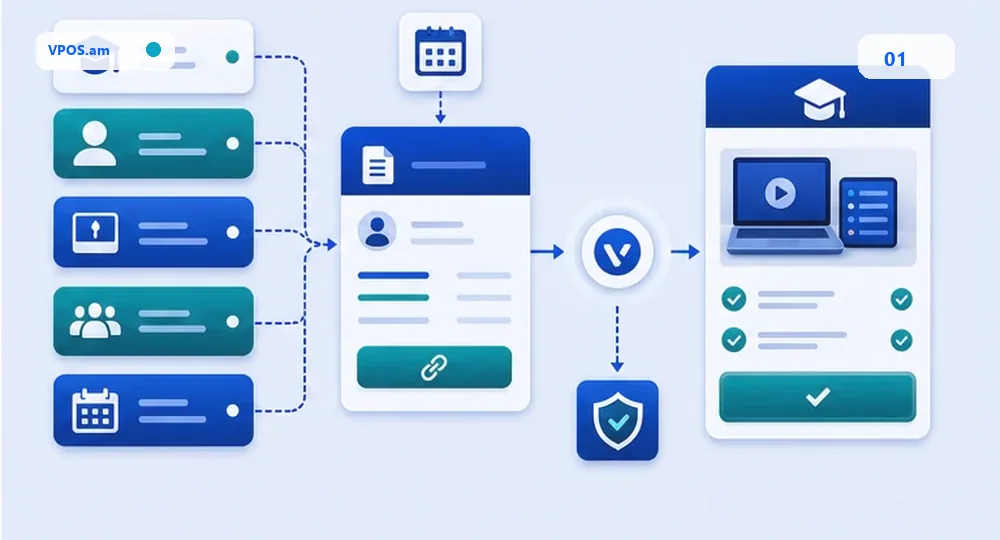
In online schools, payment often starts from manager: issue invoice, send link, mark student and open access. If these actions are not connected through backend, manual paid statuses, unpaid access and date disputes appear.
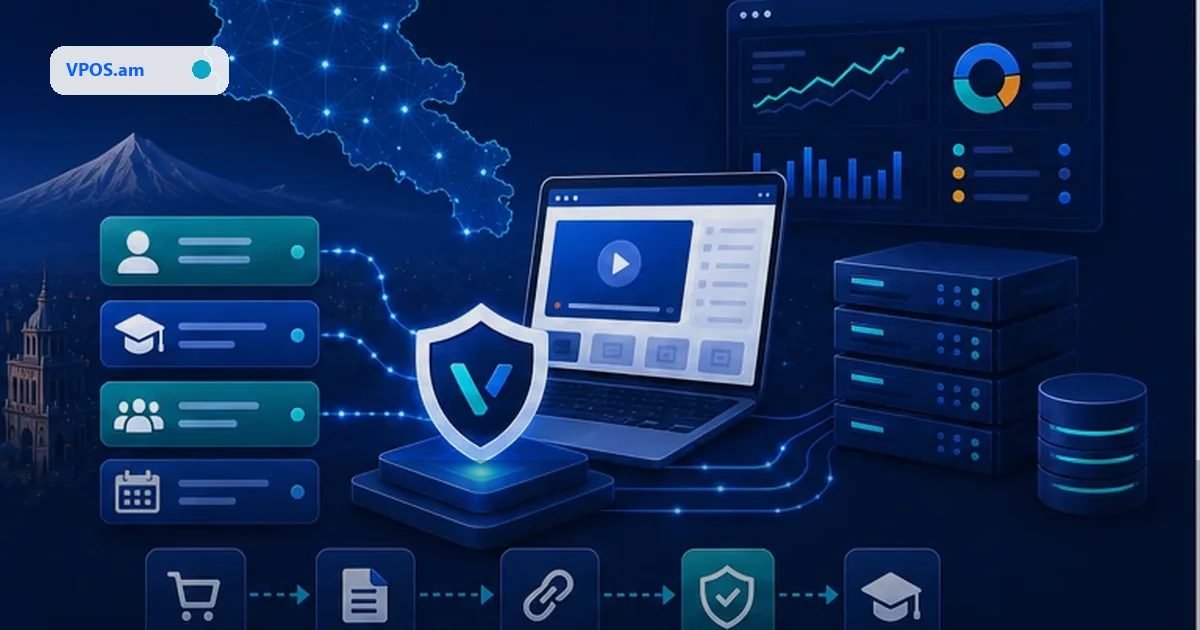
A safer model creates payment request from CRM or LMS: student, course, group, period, amount, currency and link expiration are fixed before payment. After verified status, backend opens access or creates operator task when manual review is needed.
- do not open access by payment screenshot;
- connect payment id with student id and course id;
- store education period and start date;
- log manual access opening separately.
Installments and partial payment need a schedule
Several payments for one course cannot be modeled as one paid/failed status.
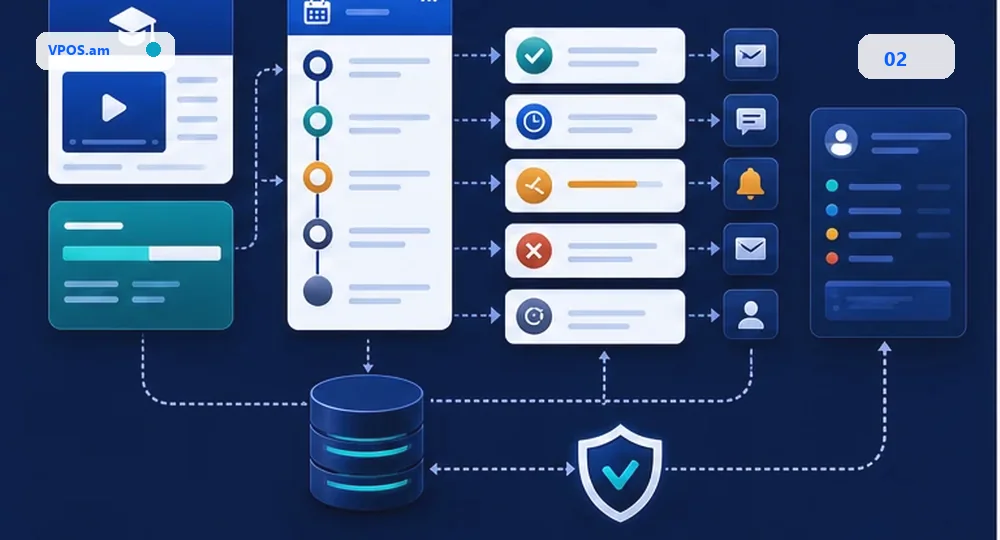
Courses often use prepayment, installments, monthly payments or module-based payment. This should not become one order status. Schedule is needed: expected amount, due date, paid amount, grace period, reminders and access rules.
If provider does not support auto-charge, do not promise automatic subscription. Practical start is payment links, reminders and controlled access: access renews after verified payment or manual override with audit trail.
- separate full price, paid amount and remaining amount;
- do not create several active links for one period;
- store grace period and next due date;
- sync access only after verified payment.
Refund and group transfer should be visible to support
Group change, learning pause and partial refund break reconciliation when there is no single timeline.
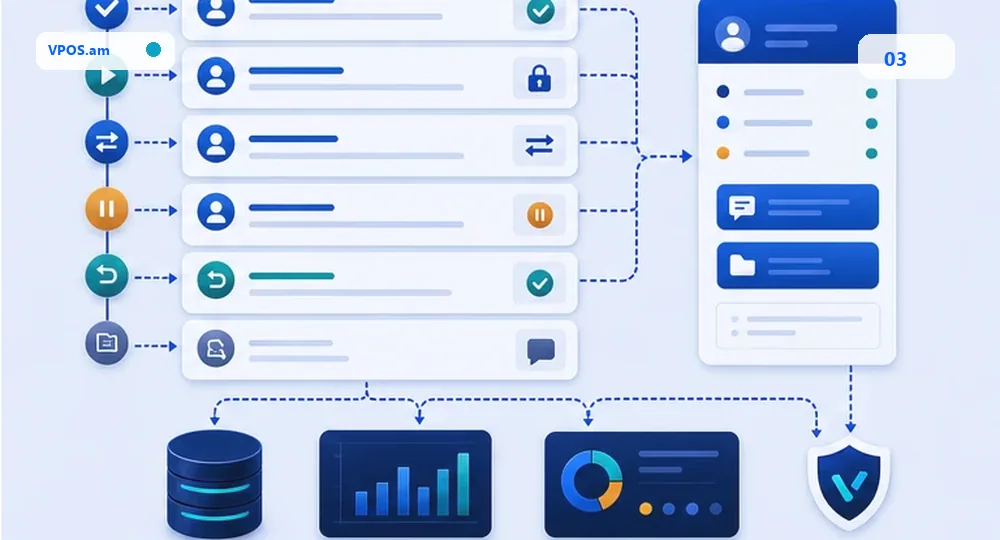
Education services often change after payment: student transfers group, pauses learning, buys another course or requests partial refund. If payment layer does not know these events, accounting sees only amount and support reconstructs context manually.
Useful model stores payment status, access status, group transfer, refund request, provider refund reference and CRM notes. Team can see what was paid, which access was granted and what needs to be refunded or moved.
- refund should not delete access history;
- group transfer needs reason and actor;
- partial refund is a separate event;
- reconcile CRM, LMS and provider report before month close.
FAQ
Can course access open immediately after return URL?
It is safer to open access after webhook or server-side status lookup. Return URL can be opened without final payment event.
How to accept installment payments for course?
Store payment schedule and create separate payment attempts. Auto-charge is possible only if provider and contract support it.
What if student moves to another group?
Connect transfer with original payment/access record, store reason, actor and date. Payment history should not disappear when group changes.