

Key topics
Related public pages
If you need the product, API or operations page rather than only the article, start with these VPOS.am sections.
What should be reconciled every day
Reconciliation is not just finding one amount in a bank statement. It is matching payment, order, CRM status, ERP record and refund state.
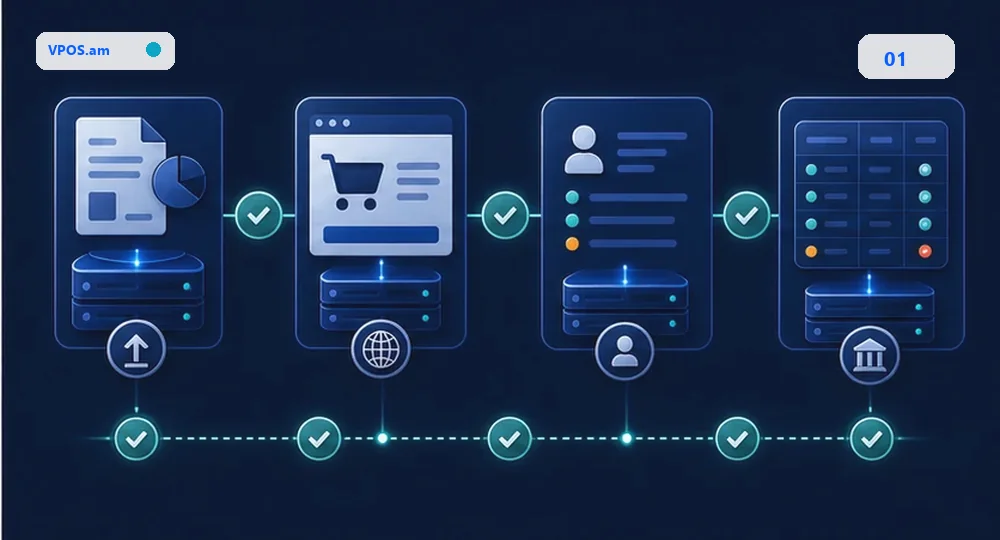
When a business accepts online payments, the day should not close with a bank statement alone. The team needs to know which payments succeeded at the provider, which website orders were closed, which CRM deals were updated and which records reached ERP or accounting.
The practical answer is to reconcile identifiers, not just totals. The minimum useful set is provider reference, internal payment id, order id, amount, currency, timestamps, final status and source system. If one of these is missing, operations will search manually.
- provider reference from the bank or payment provider;
- internal payment id and order id from website or backend;
- CRM deal, invoice or lead id;
- ERP document id when orders move to accounting;
- refund id and refund amount when refunds are allowed.
Which mismatches are critical
Not every mismatch means lost money, but every mismatch needs a type and an owner.
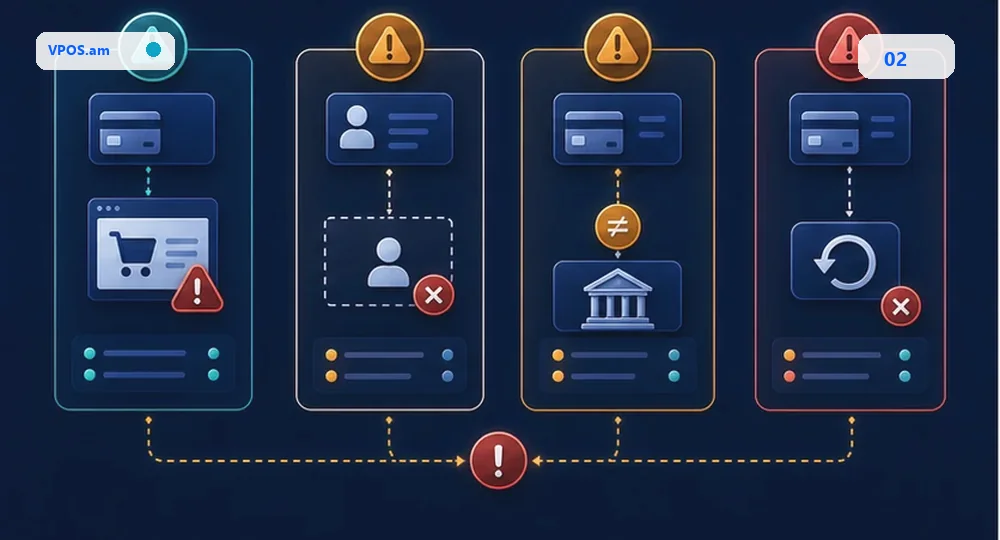
The most dangerous case is provider successful while website or CRM still shows pending. The customer has paid, but the order is not processed, the manager has no notification and support learns about the problem from the customer.
Other common cases include amount mismatch in CRM, refund completed at the provider but absent in ERP, a payment without a usable order id, a missed webhook and a manual correction without an audit trail.
- provider paid, website pending;
- CRM paid, provider failed or cancelled;
- amount or currency mismatch;
- provider refund not reflected internally;
- manual correction without comment and owner.
How to build a practical reconciliation flow
Operators should work with an exception list, not a full payment table.
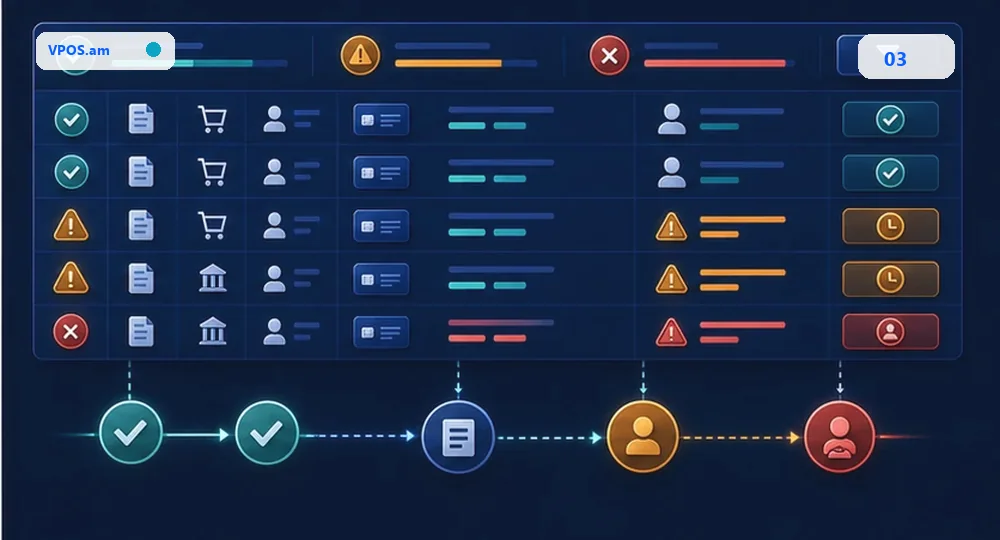
A useful flow loads provider and internal records for a period, matches them by reference and order id, closes exact matches automatically and moves all differences into a short exception queue.
Each exception needs a type, reason, owner, comment and repeated-check result. Reconciliation then becomes an operational process instead of manual spreadsheet search.
- close exact matches automatically;
- move mismatches to a dedicated review queue;
- log manual decisions and repeated checks;
- use one timezone and rounding policy;
- separate sale, refund and partial refund.
FAQ
Should reconciliation use a bank statement or provider report?
Use both when possible. Provider reports help match payment ids and statuses, while bank statements confirm money movement and period close.
Can reconciliation run monthly?
It can, but daily exception review is safer for e-commerce and CRM invoices because customer, order and payment context is still fresh.
What is a good reconciliation result?
A good result is not zero issues. It is a clear exception list where every mismatch has a type, reason, owner and correction history.
Sources
- Stripe Documentation - Balance summary reportOfficial example of how a payment provider structures balance and transaction reporting for reconciliation.
- Stripe Documentation - How to select a reportDocumentation on selecting reports for transactions, payouts and balance reconciliation.
- Armeconombank - VPOSOfficial vPOS page with conditions, test launch and website payment requirements.