

Key topics
Related public pages
If you need the product, API or operations page rather than only the article, start with these VPOS.am sections.
Pending is not an error
A payment may wait for bank processing, 3-D Secure, provider confirmation or webhook delivery.
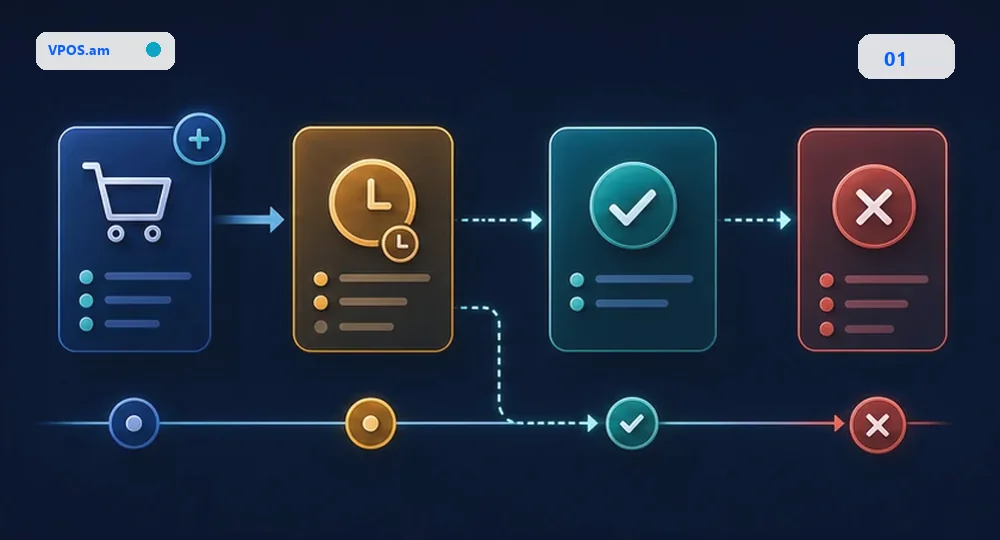
Many stores treat pending as a failure. In practice it is a normal state: the customer may have completed 3-D Secure, the bank may still process authorization, callback delivery may be delayed or backend may wait for final verification.
The right behavior is simple: keep the order in pending payment, do not fulfill the product, do not close CRM as paid and run repeated status checks or wait for a signed webhook. The customer should see a clear message that the payment is being checked automatically.
- do not mark paid from browser redirect alone;
- do not create a new order for every retry;
- store payment attempt separately from order status;
- show a useful intermediate status to the customer.
How long to wait for the final status
Timeout should be a business rule, not a random checkout constant.
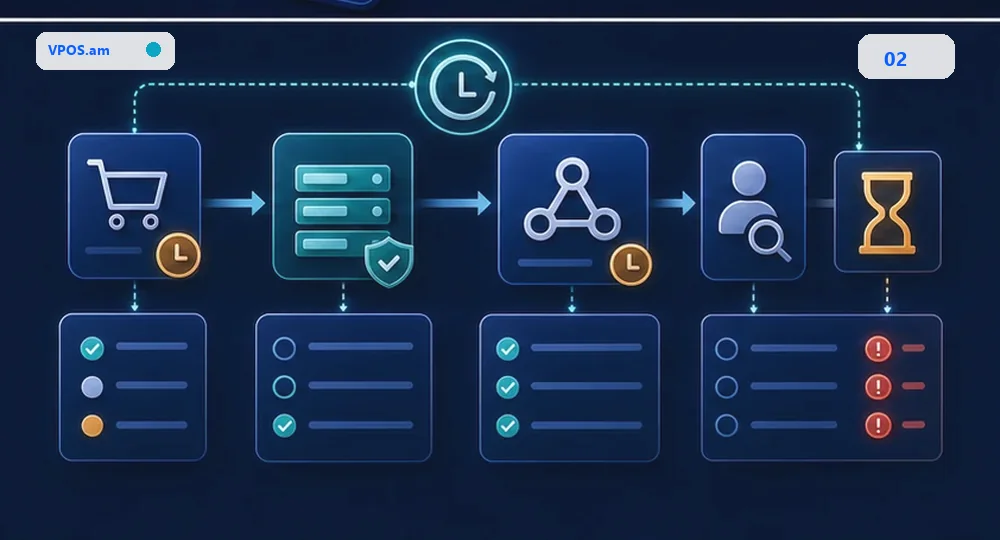
There is no universal waiting time. It depends on provider, payment method, 3-D Secure, capture logic and internal processes. But the rule must be explicit: automatic checks first, then manual review or expiration.
Do not cancel too early if the provider can still deliver a successful status. Do not hold stock forever if payment never completes. Pending policy should be agreed with sales, warehouse and support.
- run early checks automatically from backend;
- create a support or operator task later;
- handle a successful webhook after UI session expiration;
- log the reason for final failed or expired state.
What CRM and support should see
Managers need an action, not a raw provider status: wait, call, resend link or close the order.
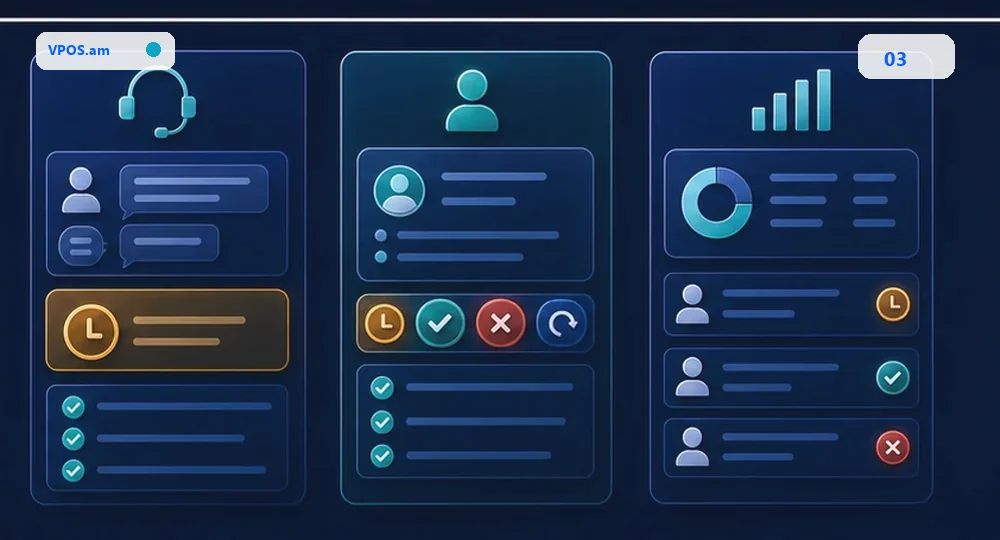
CRM should receive a normalized status. For pending payments, the manager needs last check time, provider reference, attempt count and the next recommended action.
Support also needs a playbook. If the customer says money was charged while the website shows pending, the operator checks provider reference and reconciliation queue before asking the customer to pay again.
- pending_check - system still waits for final status;
- action_required - customer must finish a bank step;
- manual_review - operator or accounting should check;
- expired - link or payment attempt is no longer active.
FAQ
Can the customer see a pay again button while payment is pending?
Yes, but the new attempt should be a separate payment attempt linked to the same order. The old attempt should be checked first.
What if the customer says money was charged but the site shows pending?
Check provider reference, provider status and reconciliation queue. Do not ask for another payment until the first attempt is reviewed.
When can pending become failed or expired?
After explicit provider response or after an agreed timeout, with one more backend check and a stored reason for the final decision.
Sources
- Stripe Documentation - PaymentIntents lifecycleOfficial lifecycle documentation showing intermediate states such as requires_action and processing.
- Stripe API Reference - PaymentIntentsReference for formal PaymentIntent status modeling.
- Stripe Documentation - Webhook delivery behaviorDocumentation covering webhook delivery, retries and event ordering caveats.