

Key topics
Related public pages
If you need the product, API or operations page rather than only the article, start with these VPOS.am sections.
Membership is an access period, not one paid order
For a club or studio, it matters not only that payment happened, but which dates, plan and access it covers.
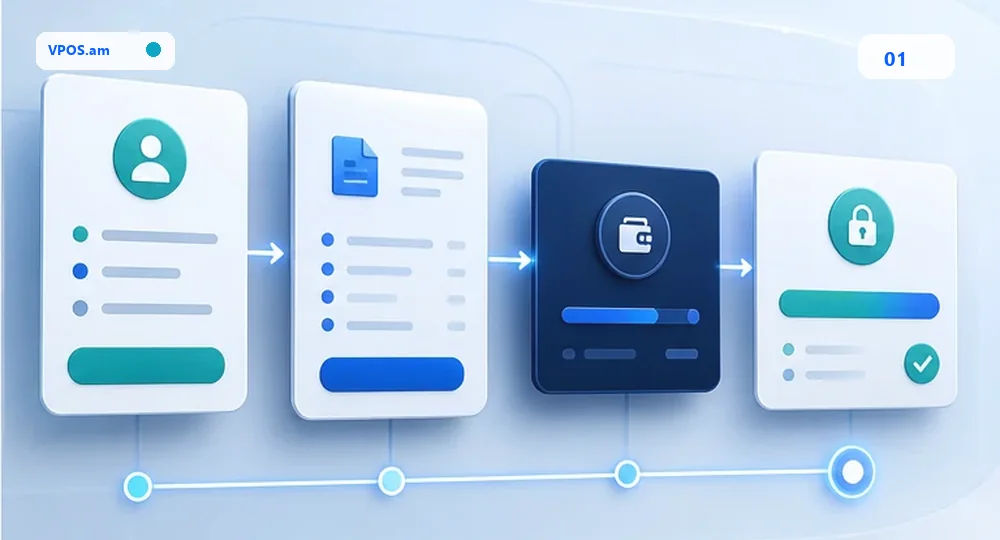
Clubs, studios, sports sections, coworking spaces and membership services often accept payment for an access period. If membership is stored as a regular order, support cannot see start date, end date, plan, freeze, refund and manual exception together.
Better model creates invoice or payment request from member profile: plan, period, amount, currency, due date, CRM reference and access rule are fixed before payment. After verified status, backend extends access by rule or creates operator task.
- connect payment request with member id and plan id;
- store access period separately from payment status;
- do not extend access from payment screenshot;
- show active, pending, expired, frozen and manual review.
Renewals, freezes and partial periods need a schedule
Memberships are often renewed, frozen or recalculated, so one payment status quickly becomes insufficient.
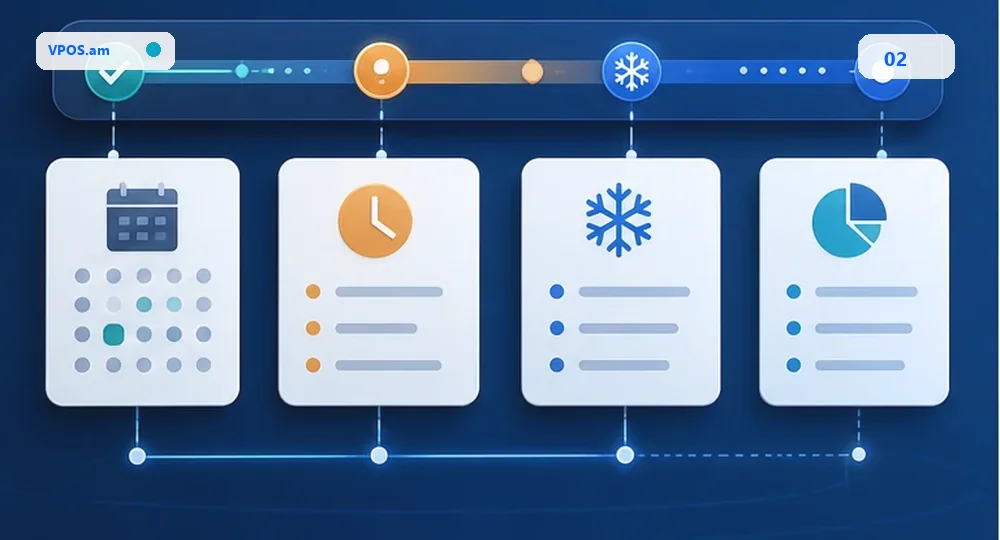
Membership flow should handle renewal date, reminders, grace period, freeze, remaining days transfer and partial refund. If these events are edited manually in separate spreadsheets, access and payments start drifting apart.
If provider or contract does not support automatic recurring charge, do not promise auto-charge. Practical start is payment links, reminders, controlled access extension and audit trail for manual exceptions.
- store next due date and grace period;
- freeze needs reason, actor and date range;
- do not create several active links for one period;
- manual extension should enter audit log.
Access control and reconciliation should be checked together
Paid membership, active access and provider report should match before day or month close.
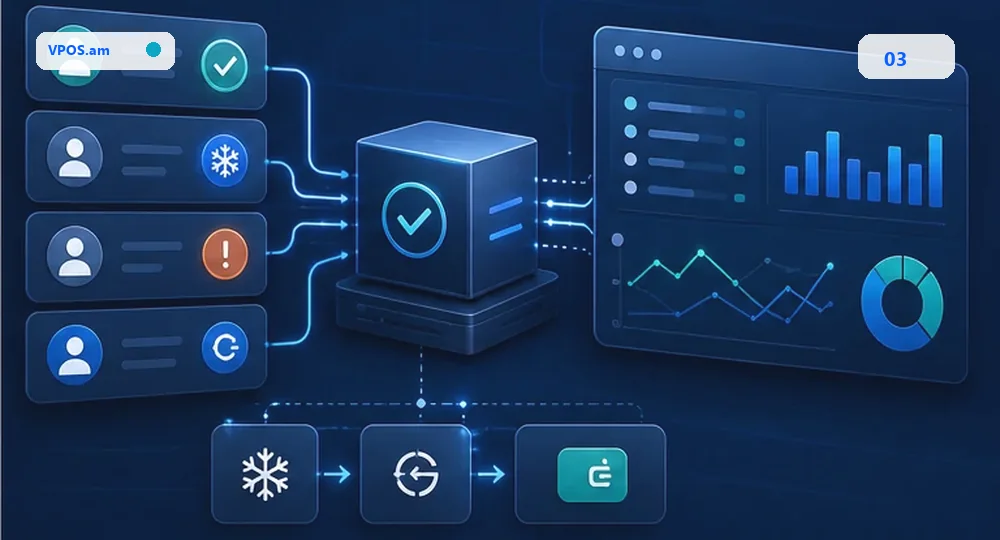
For a studio or club, payment reconciliation should answer practical questions: who paid, whose access was extended, who has freeze, who has refund, and where manual exception exists. A separate bank report does not show full membership lifecycle.
Daily or weekly reconciliation compares payment records, member profile, access system, CRM tasks, refunds and provider report. If access system is connected separately, backend should synchronize only minimal ids and statuses.
- reconcile paid memberships with active access;
- show freeze/refund separately from expired;
- restrict access to member profile data;
- fix provider reference for every payment.
FAQ
Can access be extended automatically after payment?
Yes, if backend received verified payment event and access rule is unambiguous. Return URL or payment screenshot should not extend membership by itself.
How should membership freeze be handled?
Store freeze as a separate event with dates, reason and actor. It changes access period but does not delete payment history.
Are automatic recurring charges required for membership?
Not always. If provider and contract do not support recurring charge, start with payment links, reminders and controlled access extension.