

Key topics
Related public pages
If you need the product, API or operations page rather than only the article, start with these VPOS.am sections.
Payment should be connected with estimate and work milestone
Amount without project id, estimate id and milestone does not show which stage is paid and what can start.
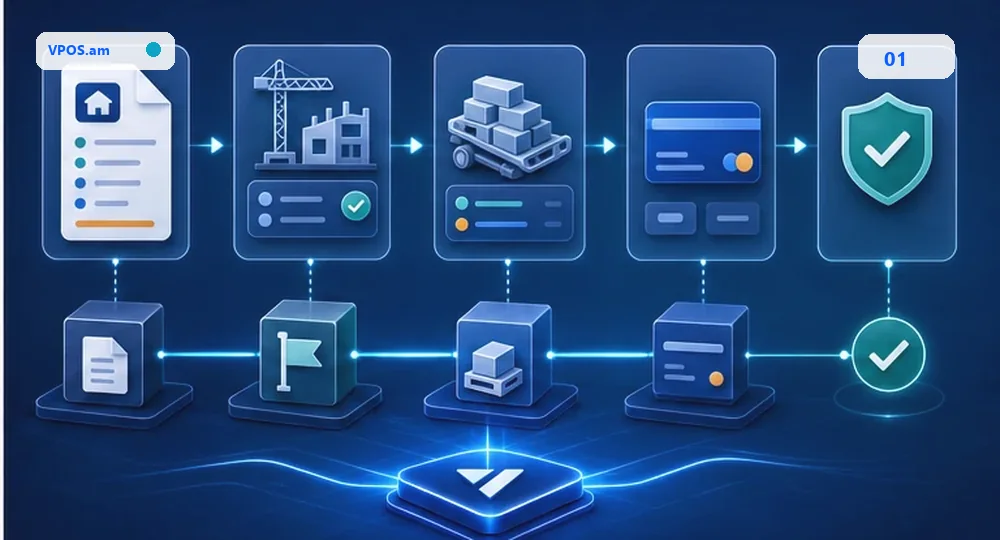
In renovation, construction, custom furniture, installation and engineering services, payment is almost always connected with stage: advance, materials purchase, work start, interim act, final acceptance or warranty correction. Generic payment link amount quickly loses context.
Practical model creates payment request from CRM/ERP: project id, estimate id, milestone id, customer id, amount, currency, due date and expiration are fixed before payment. Stage start or materials purchase should depend on verified payment and business approval, not on screenshot.
- connect payment request with project and estimate id;
- store milestone, material batch and due date;
- do not start stage from return URL only;
- separate advance, material payment and final payment.
Change orders and materials should not overwrite history
Estimate change, extra materials and schedule shift should be events, not a replacement of old payment.
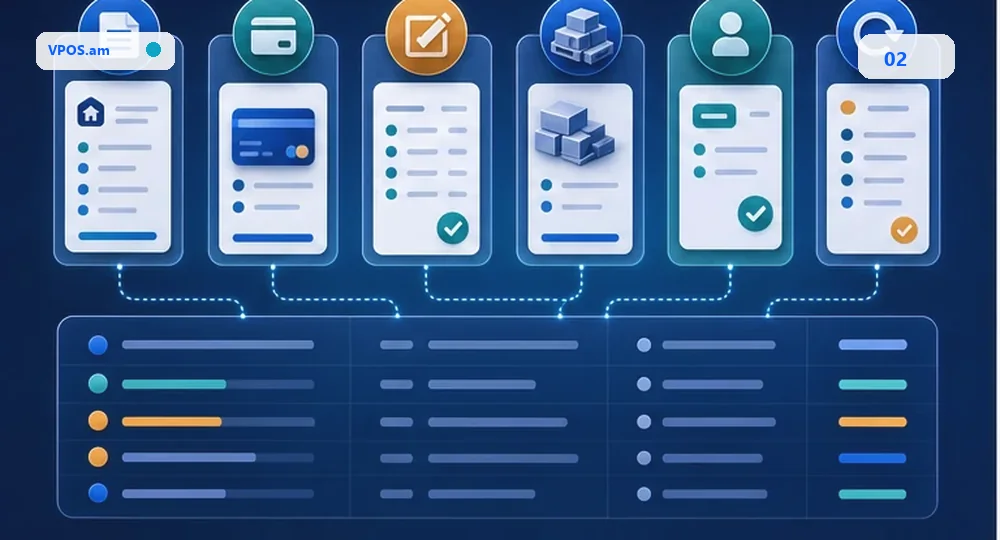
Renovation project often changes after start: customer selects different materials, contractor adds work, part of stage moves or partial refund is needed. If old invoice is simply replaced by new one, team loses approval and payment history.
Backend should store original estimate, change order, material batch, approval actor, payment attempt and refund path. Extra amount should not automatically close old milestone without review, and refund should not delete original payment and signed act.
- change order needs reason and approval actor;
- store material batch separately from labor line;
- partial refund should not delete original advance;
- manual override requires audit trail.
Reconciliation should show advances, debt and signed acts
Manager should see paid, partial, overdue, act signed, refund and exception by every project and milestone.
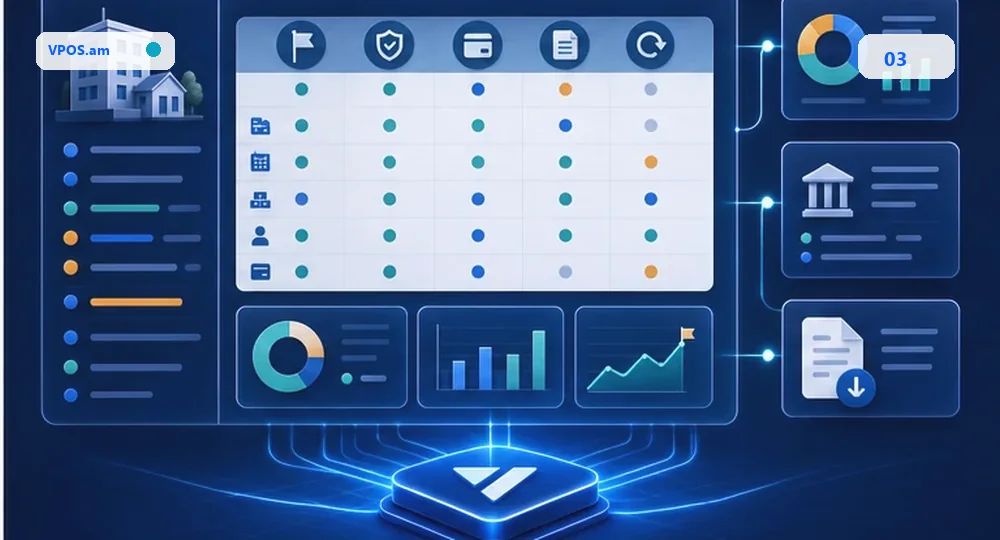
For construction or renovation company, bank statement does not show the whole picture. Team needs to see which stage is paid, which materials were purchased, which act is signed, where debt, overpayment or payment review exists.
Reconciliation compares project ledger, estimates, milestones, verified payments, refunds, signed acts, provider report and ERP/accounting export. Manager closes projects by facts instead of scattered chats and spreadsheets.
- reconcile provider reference with project/milestone id;
- show balance by project and stage;
- do not close signed act from pending payment;
- store refund and overpayment as separate events.
FAQ
Can renovation advance be accepted by payment link?
Yes, if link is connected with project id, estimate id, milestone, amount and expiration, and paid status is verified server-side.
How should estimate change after payment be recorded?
Create change order with reason, approval and separate payment/refund event. Do not overwrite old payment and original estimate.
When should work milestone be closed as paid?
After verified payment and business rules pass: signed act, manager approval or another internal control.