Key topics
Related public pages
If you need the product, API or operations page rather than only the article, start with these VPOS.am sections.
When a payment link is better than checkout
A payment link is useful when the order is created by manager, CRM or internal workflow, not by website cart.
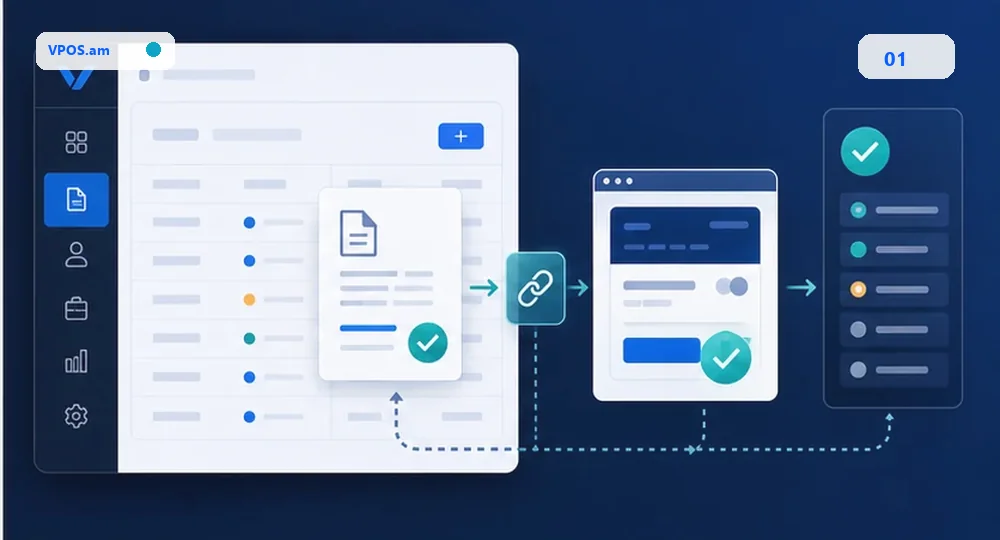
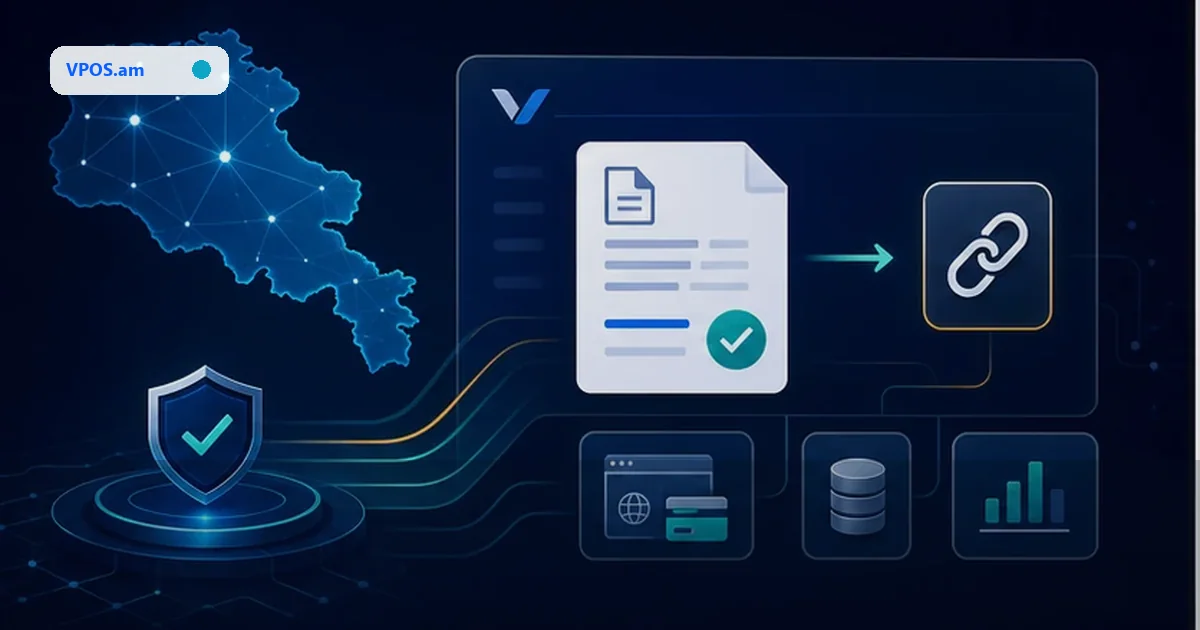
Payment links are useful for B2B invoices, services, prepayments, custom amounts, manual sales and cases where the customer comes from CRM, messenger or e-mail. Unlike generic checkout, the link should be connected to a specific invoice or deal.
The main risk is sending a link that CRM cannot match to one invoice. Then the manager sees payment separately, accounting sees invoice separately and the day closes manually.
- link payment to CRM deal, invoice or order id;
- set amount, currency, purpose and expiration;
- create links idempotently to avoid duplicates;
- show clear success, fail and pending pages.
Which rules are needed before sending the link
Managers should not decide manually when a link expires, whether amount can change and how repeated payment works.
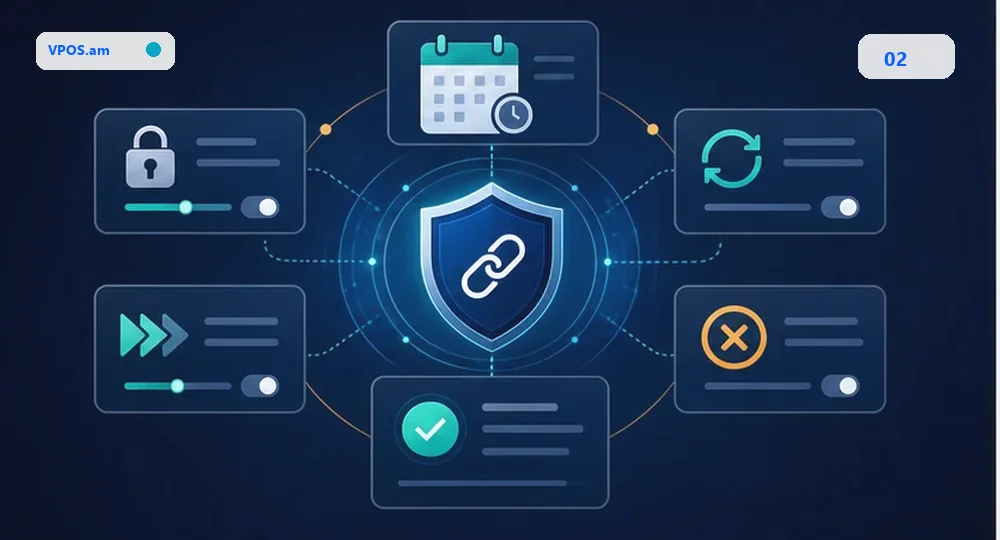
Before launching payment links, define rules: can amount change after sending, how long the link lives, how cancellation works, what happens on retry and how partial payment is handled.
Without these rules, payment links drift outside CRM. A manager sends a new link for each customer question, the customer pays an old link, webhook points to an outdated invoice and support handles the conflict manually.
- lock amount/currency after sending;
- store expiration and cancelled status;
- create a new payment attempt without a new invoice;
- log who created, sent and cancelled the link.
How to sync payment back to CRM
CRM should receive a normalized result, not raw provider response.
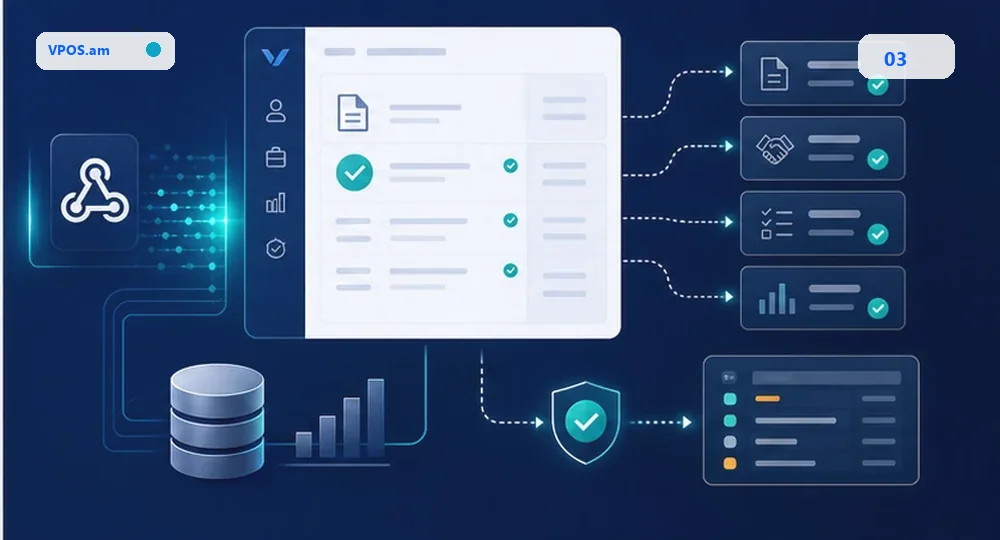
After payment, backend should verify provider status or process a trusted webhook, then update CRM invoice, deal, manager task and audit trail. Do not rely only on customer e-mail or redirect.
Managers need paid, pending, failed, expired, refunded and manual review. Accounting needs amount, currency, provider reference, paidAt, fiscal status and invoice link. Support needs request id and retry history.
- update CRM only after server-side verification;
- use idempotency for webhook and CRM update;
- create manager tasks only for exceptions;
- include payment links in daily reconciliation.
FAQ
Can the same payment link be sent to a customer several times?
Yes, if it is active and linked to the same invoice. The resend should be logged, and invoice status should update only once from the final payment.
What if the customer paid an old link?
Backend should resolve the invoice/payment attempt, verify status and move the case to paid or manual review. Old links should usually be cancelled when a new one is issued.
Should payment links have a separate reconciliation process?
No. They should be included in the same reconciliation process as website payments, CRM, ERP and refunds.