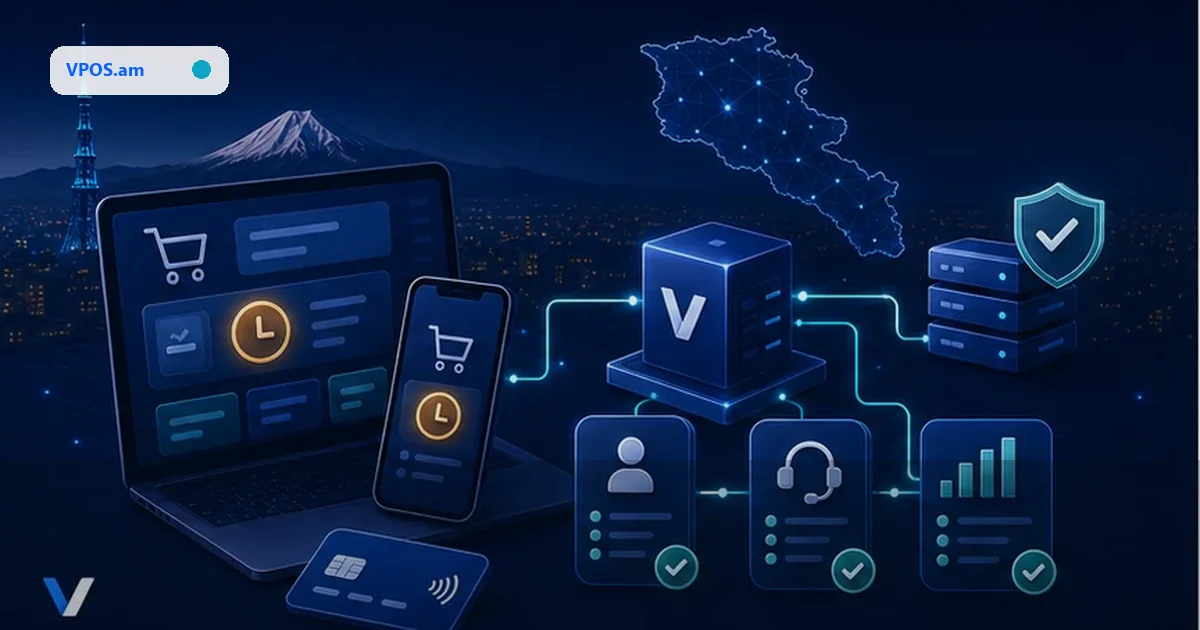

Key topics
Related public pages
If you need the product, API or operations page rather than only the article, start with these VPOS.am sections.
Mobile checkout is not just a website in WebView
The customer may move to bank authentication, Apple Pay sheet or external browser, and the app must recover status correctly.
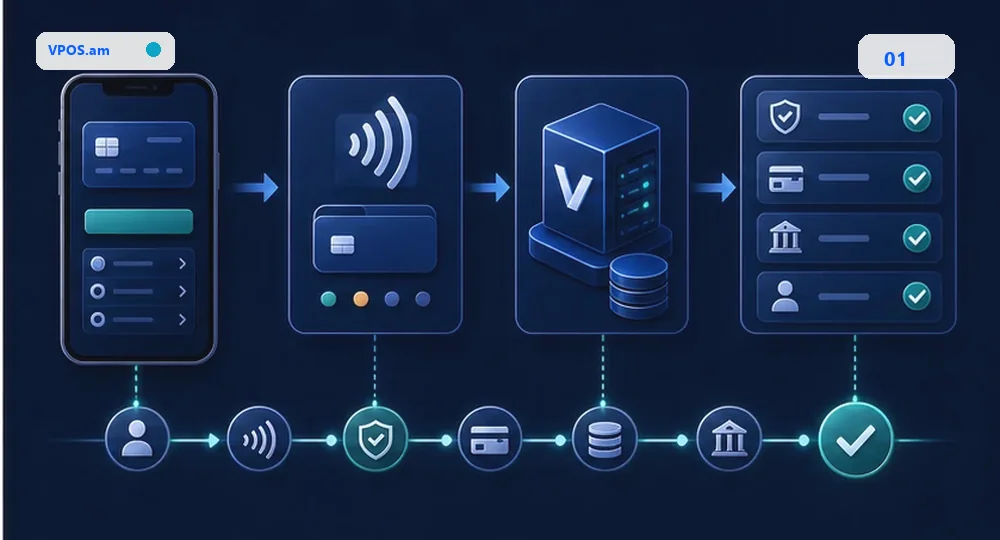
For a mobile app, decide early how payment opens: embedded WebView, external browser, SDK or provider-hosted checkout. A wrong choice can break customer return, 3-D Secure, Apple Pay or refusal handling.
Evocabank describes V-POS as available for websites and mobile applications. Ameriabank publicly announced that vPOS clients can activate Apple Pay acceptance in online stores and applications. Actual feature availability still depends on bank, contract and technical setup, so it must be verified before development.
- verify whether the bank supports mobile application flow;
- agree Apple Pay or wallet flow early when needed;
- do not store card data in the app;
- send final status through backend, not only app callback.
How to return the customer to the app
Return flow must survive closed app, window switching and delayed final status.
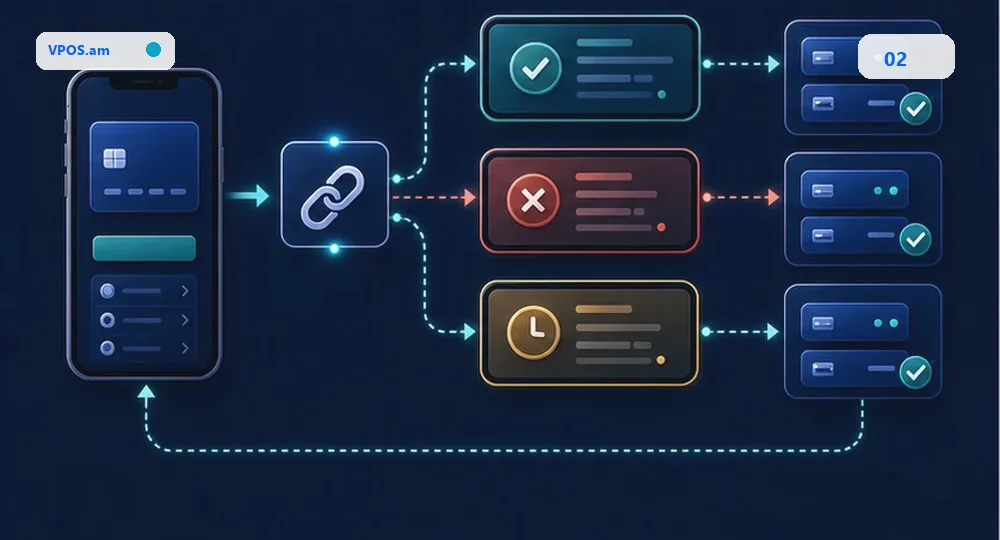
After payment, the customer may return through deep link, universal link, browser redirect or by manually opening the app. The app must not treat success screen as final payment confirmation.
A safer model: app receives payment attempt id or order id, shows an intermediate screen and calls backend. Backend checks provider status or an already processed webhook and returns normalized result to the app.
- success/fail screen always calls backend status check;
- pending screen refreshes automatically or by button;
- retry does not create a new order;
- deep link does not contain secrets or provider credentials.
What to test beyond web checkout
Mobile flow has failure modes that may not exist in desktop checkout.
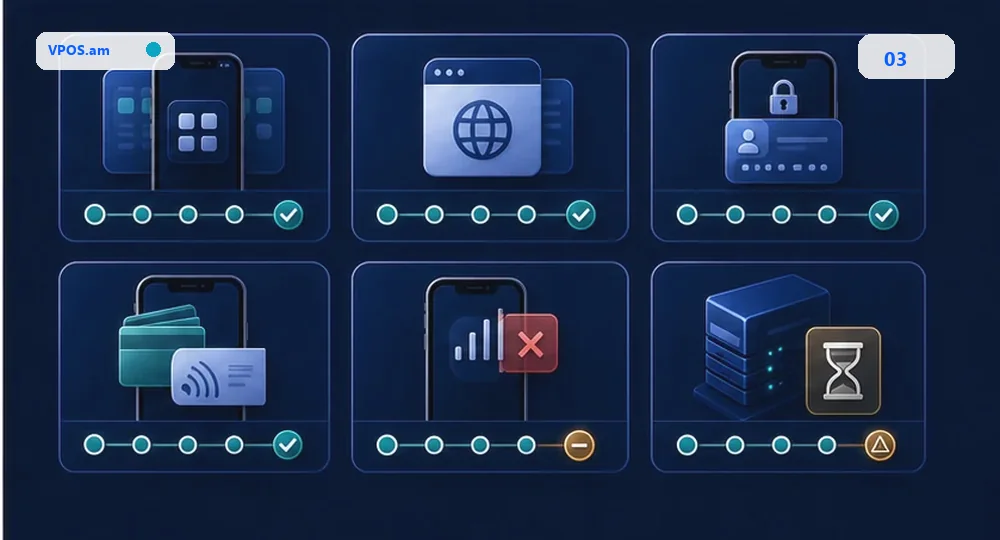
Before launch, test iOS and Android separately: app moves to background, bank opens an external window, customer cancels Apple Pay, network drops after payment, webhook is delayed and app is closed before return URL.
If the mobile app is connected to CRM, ERP, subscriptions or delivery, these systems should receive the same server-side status as the website. Otherwise mobile checkout becomes a separate source of mismatches.
- iOS Safari, Android Chrome and in-app browser;
- Apple Pay or wallet flow when enabled by bank;
- app closed before final callback;
- app relaunched after pending;
- mobile payments reconciled with CRM/ERP.
FAQ
Can a bank payment page open inside the mobile app?
Sometimes, but it must be agreed with the bank and tested for 3-D Secure, Apple Pay, return URL and security rules. External browser or hosted checkout is often safer.
Is Apple Pay available for every vPOS in Armenia?
No. Availability depends on bank, contract and technical setup. Ameriabank has publicly announced this option for its vPOS clients, but that does not make it automatic for every provider.
Who should mark the order paid: app or backend?
Backend. The app can show the result to the customer, but the business order status should change only after server-side verification or trusted webhook event.
Sources
- Evocabank - V-POS terminalOfficial V-POS page stating availability for websites and mobile applications.
- Ameriabank - Apple Pay for vPOS clientsPublic bank announcement about Apple Pay acceptance for vPOS clients in online stores and applications.
- EMVCo - EMV 3-D Secure3-D Secure description for card-not-present authentication, relevant to mobile checkout.