Key topics
Related public pages
If you need the product, API or operations page rather than only the article, start with these VPOS.am sections.
The minimum online payment chain
A payment scenario should be designed as a chain of events, not as a single button on the website.
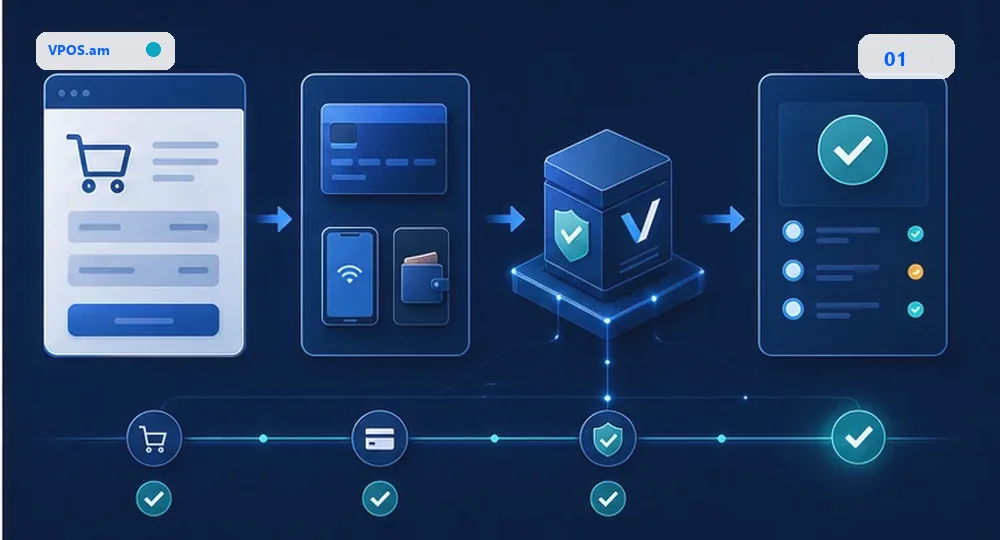
For the business, online payment starts with a checkout button. Technically it is a chain across several systems: the website creates an order, backend registers a payment, the payment page accepts the card or another method, and backend verifies the final status.
A return to the success page is not enough to mark an order as paid. The customer may close the tab, the network may fail, and the provider may deliver the final status later. Reliable architecture depends on server-side verification and callback or webhook handling.
- The website creates an order with a stable identifier.
- Backend creates a payment session and stores the external payment id.
- The provider redirects the customer to success or failure URL.
- Backend separately verifies payment status with the provider.
- CRM/ERP receives only verified payment results.
What to prepare before integration
Before development, align the contract between order, payment, fiscal receipt and accounting systems.
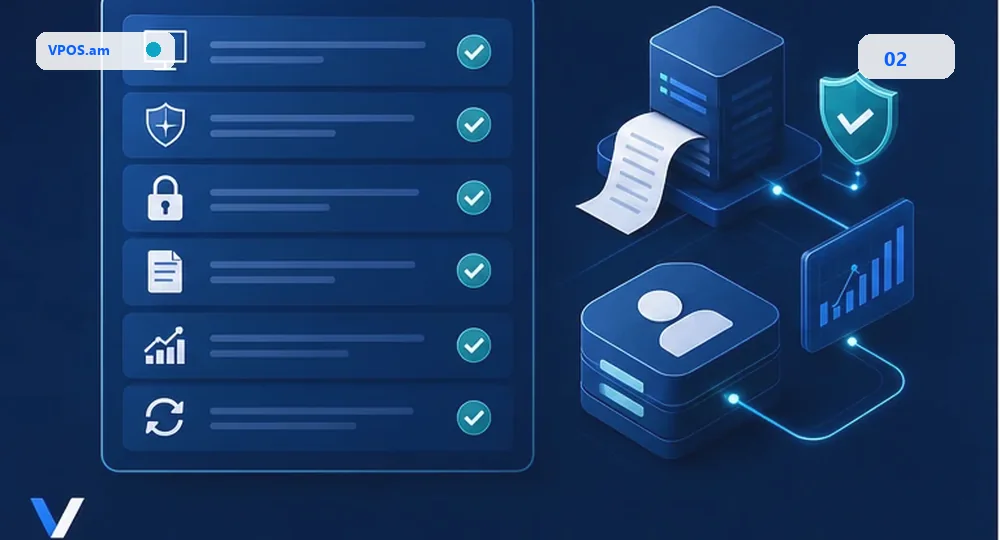
The common mistake is starting with the frontend widget. It is safer to define the payment contract first: which fields are sent, which statuses exist, which system is the source of truth and what happens on errors.
The contract will differ for e-commerce, B2B invoices and CRM-driven orders. A store needs cart and delivery context, B2B needs invoice and payment link behavior, and CRM/ERP scenarios need status sync and audit trail.
- Currency, amount and rounding rules.
- Unique order id and idempotency key.
- Successful, pending and failed status list.
- Rules for fiscal receipt creation and retry.
- Where the result goes: CMS, CRM, ERP, warehouse or internal API.
Where VPOS.am simplifies launch
An orchestration layer is useful when payments must live inside the business process instead of a separate checkout.
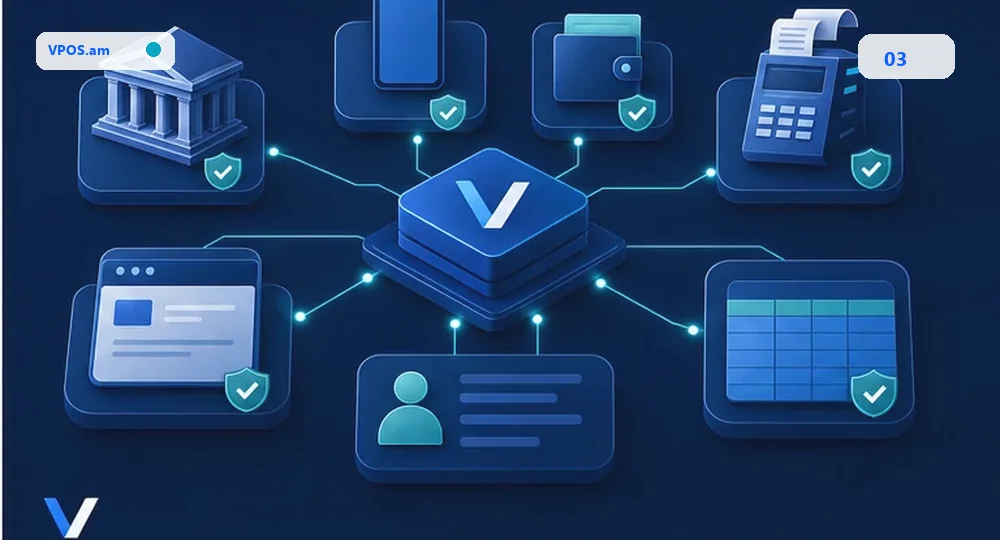
VPOS.am can be treated as a normalization layer for the payment lifecycle. The business does not have to redesign statuses, callbacks, retries and accounting sync for every implementation.
This is especially useful when payments come from several entry points: website, CRM invoice, manual sale, ERP order or mobile flow. The goal is to keep payment behavior consistent across channels.
- One status model for different providers.
- Controlled webhook and callback handling.
- Prepared data for CRM, ERP and fiscal receipt workflows.
- Less provider-specific logic inside the website codebase.
FAQ
Can an order be marked paid after redirect to a success page?
No. The success page is useful for the customer, but backend must separately verify the provider status or process a trusted callback/webhook.
Is CRM integration required in the first pilot?
Not always. A pilot can start with website and backend status verification, while keeping fields that CRM or ERP will need later.
Why start with one payment scenario?
It is easier to validate the contract, error handling, fiscal workflow and support process without changing every sales channel at once.